One video
$3.99 USD100 credits · 1 videos
Two photos. Your favorite co-star.
One shared moment in the spotlight.
Watch the performance before adding your photos. These are example clips; your cast and AI result will differ.
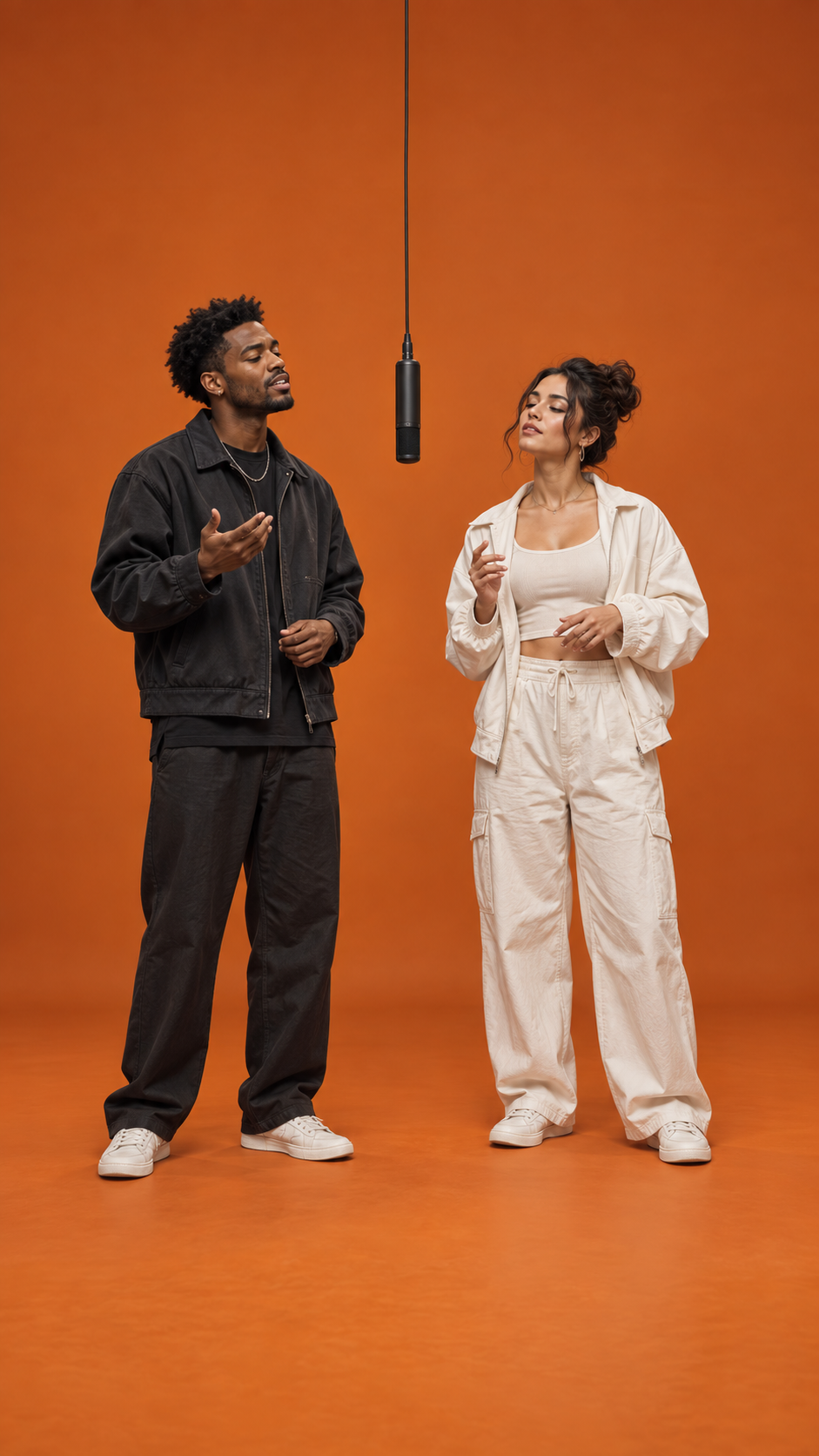
Cast concept artwork · not a generated result
One subject per photo. Clear faces and good light work best.
Confirmed failures return your credits.
Your photos stay in your browser until you choose to generate.
See how it worksNo timeline. No keyframes.
Just a pair of good photos.
Upload two separate photos. One person or pet in each, with their face clearly visible.
The first photo goes on the left. The second goes on the right. Swap them before your take.
Generate your scene when available, then find its progress and MP4 download in My videos.
 AI concept artwork
Best friends. Your other half. The dog who already thinks they’re famous. Pick the pair you want to see together.
Choose your castAI results can vary in likeness, motion and detail. The artwork here illustrates the idea.
One-time credits for your videos.
The cost appears before you generate.
100 credits · 1 videos
300 credits · 3 videos
1000 credits · 10 videos
It is a two-subject performance built from your photos and a fixed scene reference. Each photo represents one performer; the reference supplies the setting, camera and movement.
No. The performance reference is built into the scene. You provide one clear photo for the left performer and one for the right.
You can choose friends, a couple, two pets, or a person and a pet. For the person-and-pet scene, put the person on the left and the pet on the right. AI movement and likeness can vary.
The images are original AI concept artwork showing the scene idea. They are not videos generated from your uploads or a promise of the exact output.
Each video costs 100 credits. Available one-time credit packs and prices are shown on this page before checkout.
Your task appears in My videos, including queued, processing and failed requests. You can leave and return. Refreshing status does not create a second generation.
Confirmed failed tasks return their reserved credits. An uncertain provider response is checked before any retry, so it does not automatically create another paid task.
An existing song is not included or licensed by this service. Add audio you have permission to use in your editor or publishing platform. Generated audio and movement may vary.
The mic is yours.
Find your co-star